2. Easy shape add
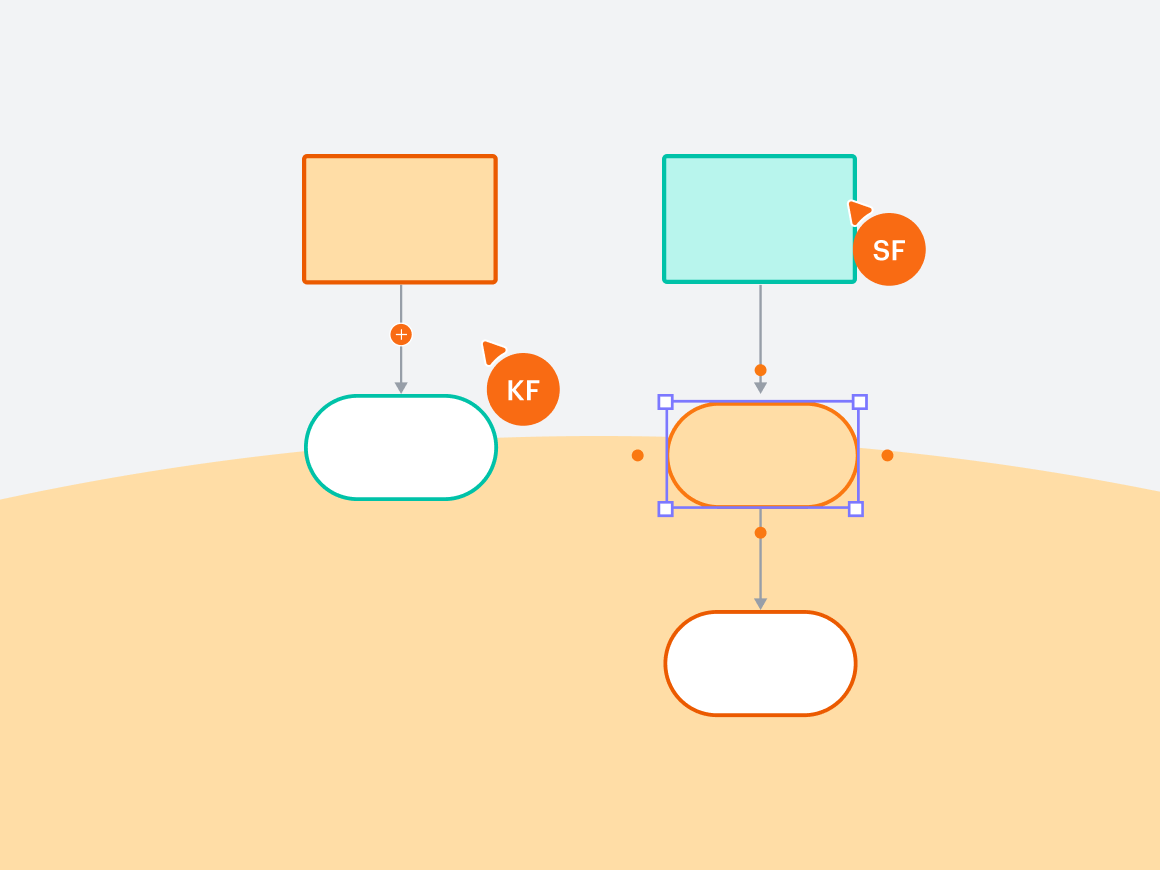
Easily add a shape to an existing line by dragging a shape on the canvas to the desired location. The line will adjust to have the shape in the middle with new connecting lines. The possibilities are limitless—build as quickly as you develop new ideas.
4. Automatic branching
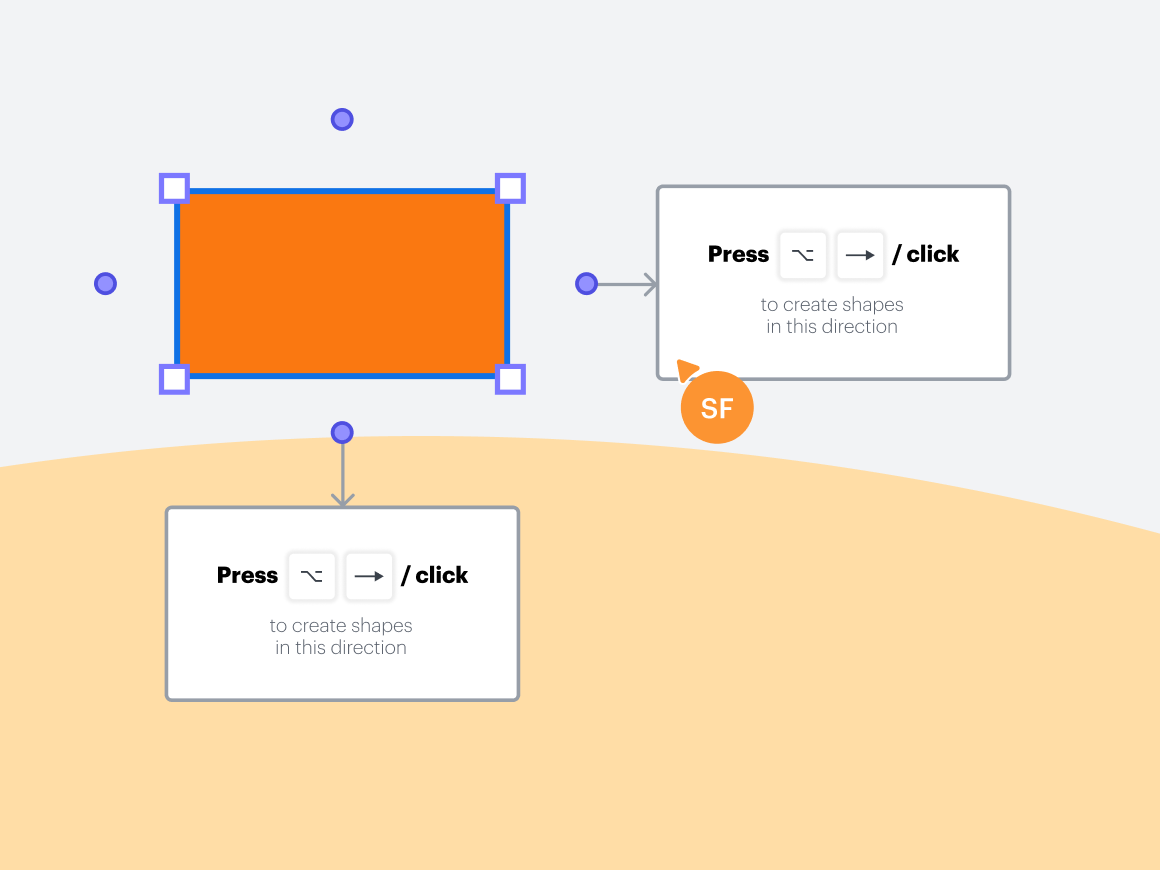
Gone are the days of clicking and dragging lines to new shapes. Branch an existing line in whatever direction you choose to create flowcharts and diagrams with ease. Plus, new lines will be automatically spaced out equally.

Whether you’re a seasoned diagramming pro or a newbie, these features will have you creating your best work faster than ever.
About Lucid
Lucid Software is the leader in visual collaboration and work acceleration, helping teams see and build the future by turning ideas into reality. Its products include the Lucid Visual Collaboration Suite (Lucidchart and Lucidspark) and airfocus. The Lucid Visual Collaboration Suite, combined with powerful accelerators for cloud and process transformation, empowers organizations to streamline work, foster alignment, and drive business transformation at scale. airfocus, an AI-powered product management and roadmapping platform, extends these capabilities by helping teams prioritize work, define product strategy, and align execution with business goals. The most used work acceleration platform by the Fortune 500, Lucid's solutions are trusted by more than 100 million users across enterprises worldwide, including Google, GE, and NBC Universal. Lucid partners with leaders such as Google, Atlassian, and Microsoft, and has received numerous awards for its products, growth, and workplace culture.
Related articles
Level up your diagramming with conditional formatting [+course]
Gain insight into your data in Lucidchart like never before with conditional formatting. Includes a free course!
7 tips for faster diagramming in Lucidchart
Whether you are a new diagrammer or a power user, check out these seven tips from Lucidchart product experts to learn how to diagram more efficiently.
10 Lucidchart features to increase productivity
Lucidchart can work wonders for increasing productivity—want to learn how? Check out the top 10 tips and tricks for making your work easier as you build, share, and present diagrams.
Top Lucidchart shortcuts
Let’s dive into some popular Lucidchart keyboard shortcuts to help you diagram with ease. Even if you’re a Lucid pro, you might be surprised at what you’ll learn.
Bring your bright ideas to life.



By registering, you agree to our Terms of Service and you acknowledge that you have read and understand our Privacy Policy.