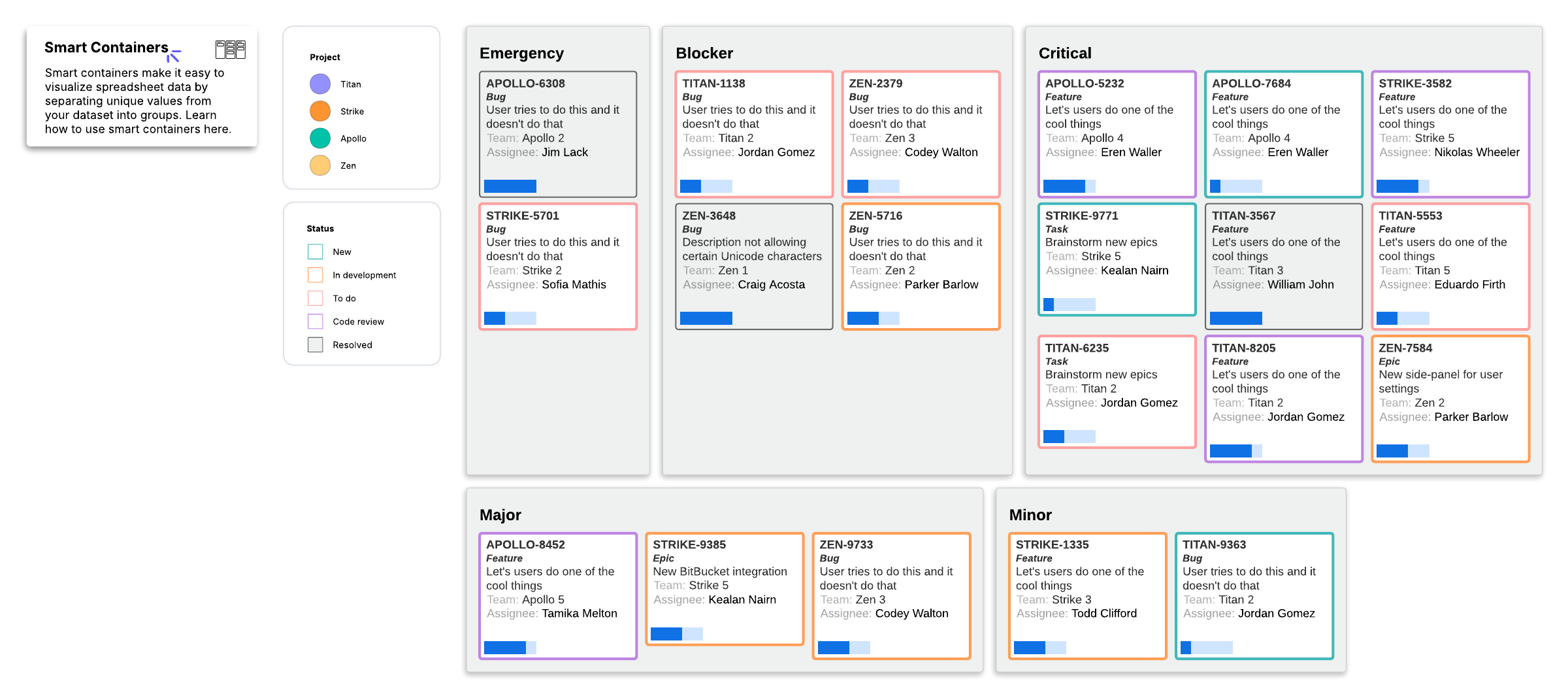
Jira dashboard by priority

This template works on the following products:

Lucidchart logo

*For Team and Enterprise plans

This Jira dashboard by priority template can help you:

- Understand what is possible with Zapier integrations in Lucidchart.
- Visualize, categorize, and update tickets with ease by using and understanding smart containers.
- Automatically highlight important data on each ticket with conditional formatting, such as the ticket’s status and which project it’s a part of.

Open this template to view a Jira dashboard by priority example that you can customize to your use case.

This Jira dashboard by priority template can help you:

  • Understand what is possible with Zapier integrations in Lucidchart.
  • Visualize, categorize, and update tickets with ease by using and understanding smart containers.
  • Automatically highlight important data on each ticket with conditional formatting, such as the ticket’s status and which project it’s a part of.

Open this template to view a Jira dashboard by priority example that you can customize to your use case.

Related templates
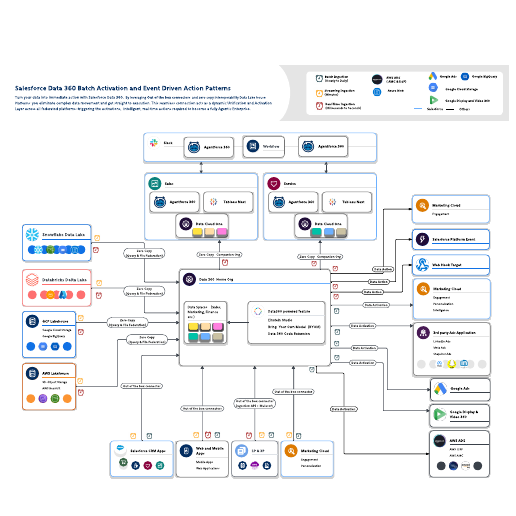
Go to Salesforce Data 360 Batch Activation and Event driven Action patterns template
Salesforce Data 360 Batch Activation and Event driven Action patterns

Used with:

Go to Salesforce Data 360 Batch Activation and Event driven Action patterns template
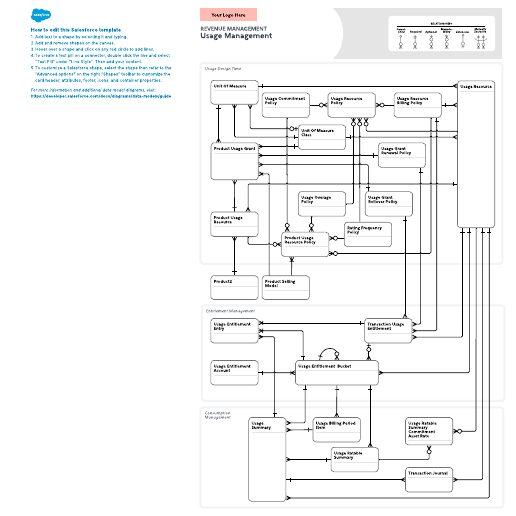
Go to Revenue Management – Usage Management template

Revenue Management – Usage Management

Used with:

Go to Revenue Management – Usage Management template

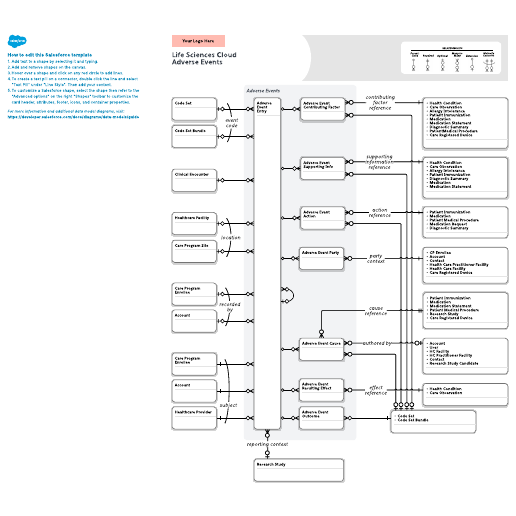
Go to Life Sciences - Adverse Events template

Life Sciences - Adverse Events

Used with:

Go to Life Sciences - Adverse Events template

Get Started

  • Enterprise
  • Contact Sales
  • Pricing

© 2026 Lucid Software Inc.